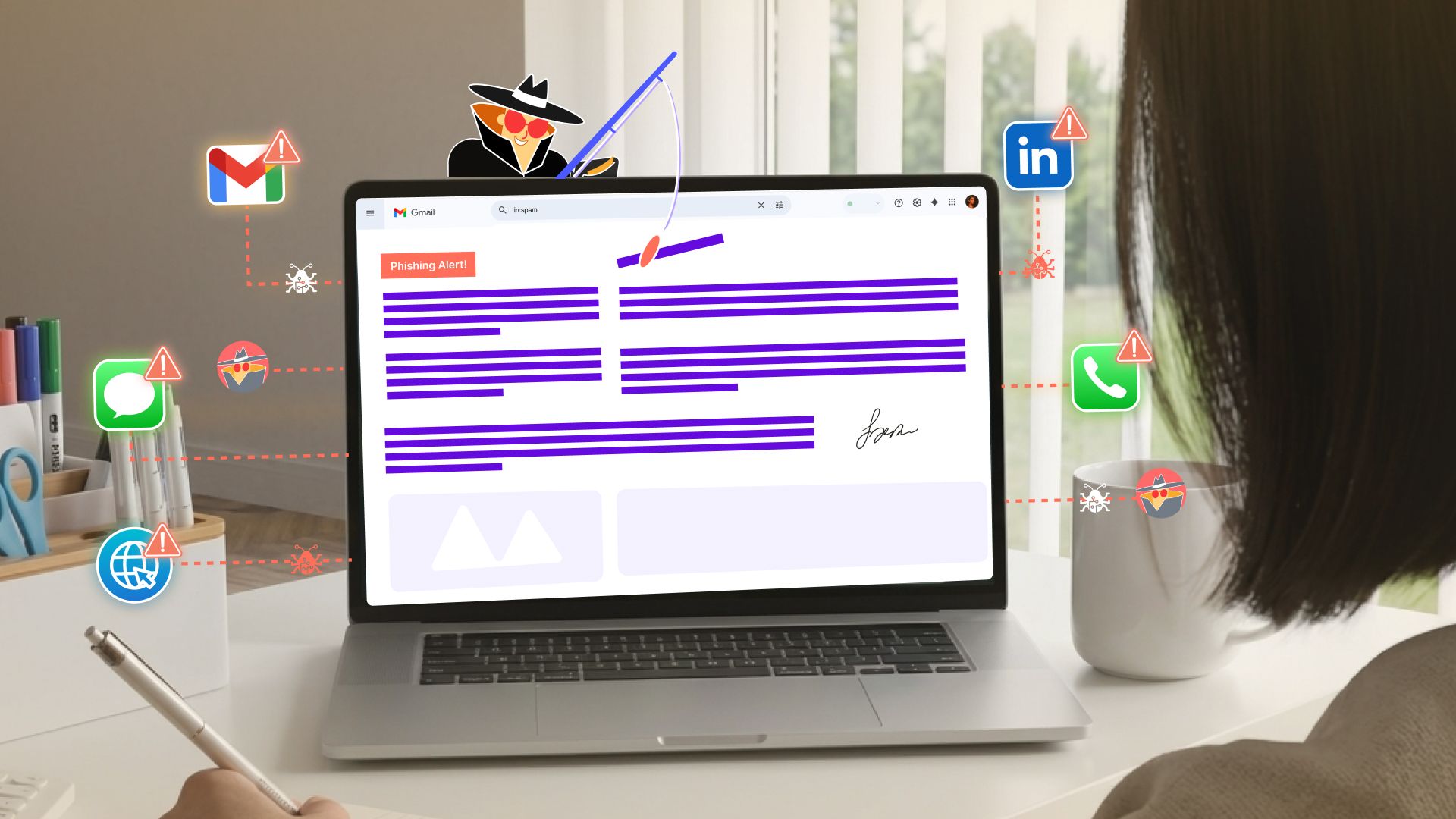
Smishing: The Phishing Attack That Lives in Your Pocket
Mar 24

Roberto Ishmael Pennino
Roberto Ishmael Pennino is a Cybersecurity Human Risk Management Researcher at OutThink, dedicated to advancing human-centric security practices and reducing human risk in cybersecurity. With a background spanning industries such as healthcare and education, Roberto holds prestigious certifications like GCIH, GSEC, GFACT, and ISC2 CC, alongside expertise in adaptive security awareness and behavior-focused risk mitigation.
View ProfileIf you thought phishing was just about shady emails, then maybe you need to think again. Welcome to the world of smishing, a blend of SMS and phishing, and one of the fastest rising cyber threats out there, waiting to target you. Instead of cluttering your inbox, these attacks infiltrate your text messages, either disguised as your bank, as a courier service or even a government alert (to name a few examples), and trick you into revealing your credentials or sensitive information. Even worse, smishing attacks can deceive you into installing malware.
Why is this a big deal? Because we are glued to our phones for every task we do. And that’s the advantage that the attackers take from us. One wrong tap, and you’ll face the biggest mishap of your life.
So what is smishing and how’s it different from regular phishing?
So What Is Smishing, Exactly?
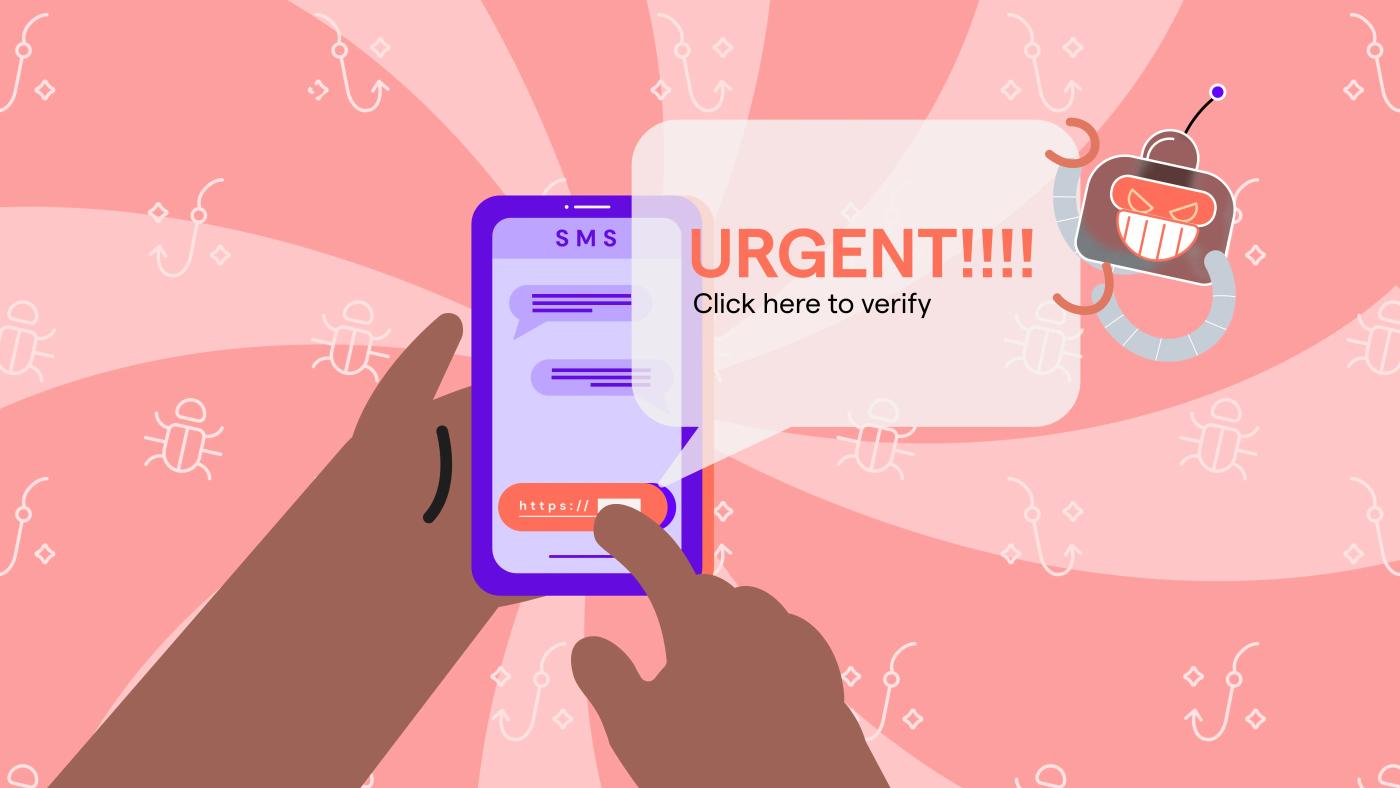
Smishing is a type of social engineering attack where scammers send you fake text messages, often marketing themselves as urgent and that include links leading to phishing sites, malware, or downloading harmful attachments.
Think about this: “Your bank account has been suspended due to some unofficial activities carried out through it. Tap here to retrieve your account.” Sounds official? That’s the trick.
Spot the red flags!
- Urgent Requests: Attackers create a sense of urgency, claiming that an account has been compromised or that immediate action is required.
- Impersonation of Trusted Entities: Fraudsters love pretending to be banks, government agencies, delivery services, or tech support teams.
- Malicious Links: Clicking on these links may lead to fake websites designed to steal credentials or trigger the installation of malware.
A recent report by the Federal Trade Commission (FTC) warns that smishing attacks have skyrocketed, leading to millions in financial losses each year.
Smishing vs. Phishing: What’s the Difference?
While both, smishing and phishing, share the same goal, tricking victims into giving up sensitive data, they differ in their methods:
| Factor | Phishing | Smishing |
|---|---|---|
| Delivery Method | SMS/Text Messages | |
| Common Attack Vectors | Fake invoices, password reset emails | Fake account alerts, package delivery scams |
| Primary Targets | Businesses and consumers | Mobile users |
| Examples | “Your PayPal account has been suspended. Click here to restore access.” | “Your Amazon package is delayed. Click here to track your order.” |
Here’s the scary part: people are more likely to trust a text message than an email. That’s why smishing attacks are gaining more popularity and have a higher success rate than traditional phishing. It feels personal. Immediate. And cybercriminals know exactly how to use that to their advantage.
Smishing attacks have been on the rise, and cybercriminals are riding the waves of everything: from economic trends to public fear. Let’s break down some of the most common smishing tactics making the rounds:
- Bank Account Scams
- Attackers pose as banks and send fake fraud alerts, urging victims to verify transactions by entering their credentials.
- Example: "Suspicious activity detected on your account. Click here to verify immediately."
2. Delivery Scams
- Fake text messages pretend to be from courier companies like FedEx or DHL, prompting victims to click tracking links that lead to malware infested sites.
- Example: "Your package could not be delivered. Reschedule now: [link]."
3. Toll Payment Scams
- Attackers impersonate government agencies, claiming unpaid tolls require urgent payment.
- Example: "Final notice: You have an outstanding toll charge of $3.25. Pay now to avoid penalties: [link]."
The FBI issued a warning in 2024 flagging this sharp uptick in smishing campaigns, urging people to delete suspicious texts immediately.
Don’t click. Don’t reply. Just report and move on.
How to Outsmart a Smisher: Mobile Safety
1. Recognize Red Flags
If a message feels off, it probably is. Be suspicious if it:
- Claims urgency (e.g., "Immediate action required!")
- Contains suspicious links (e.g., shortened URLs like "bit.ly/xyz123")
- Requests personal information (e.g., banking details, passwords)
2. Avoid Clicking on Unknown Links
Got a weird message with a link from a number you don’t recognize? Don’t click anything. Visit the official website or app directly if you need to check.
3. Enable Multi-Factor Authentication (MFA)
Even if someone steals your password, MFA acts like a second lock on the door. Always enable it when possible.
4. Use Mobile Security Apps
Apps like Google Play Protect (Android) or Apple’s built-in security can sniff out and stop malicious messages before you even see them.
5. Report Smishing Attempts
Got a smishy text? Forward it to your mobile carrier’s spam reporting service (eg: 7726 in the US) and always report serious scams to agencies like the FTC or Anti-Phishing Working Group (APWG)
How Companies Can Fight Back
Smishing isn’t just a personal threat, it’s for the corporate too. Here’s how organisations can fight back:
1. Train your people
Cybercriminals often target employees with smishing scams to gain access to company systems. Security awareness training should teach employees to:
- Identify fake text messages
- Verify suspicious requests via official channels
- Report smishing attempts internally
2. Deploy Mobile Security Measures
Organizations should implement:
- Enterprise Mobile Threat Defense (MTD) solutions
- Strict mobile access policies to prevent unauthorized data access
3. Simulate Smishing Attacks
Testing employees with mock smishing attempts helps identify blind spots and reinforce training programs, before real threats hit. By taking a proactive approach to cybersecurity, organizations can reduce the risk of mobile-based attacks.
4. Build a culture that’s cyber-savvy
Smishing isn’t going anywhere, if anything, it’s getting sneakier. That’s why creating a team that’s alert, informed, and security conscious is your best line of defense.
Looking for a Smarter Way to Train Your Team?
OutThink’s Human Risk Intelligence platform transforms how organizations approach cybersecurity, turning awareness into action. Cutting-edge Adaptive Security Awareness Training powers employees to detect threats early and respond smartly.
Want to see it in action?
Take a quick demo and discover how OutThink can help your people become your strongest line of defense.
Build Phishing Resilience With OutThink
Related Articles

Human Risk Management is now Secure Behavior Management. We think Gartner is right.
Read More
OutThink Recognized in Gartner's Secure Behavior Management Research
Read More